This update is for teams that rely heavily on AI tools (Claude, ChatGPT, and others) and want them working with Frontitude to produce high-quality copy in a fraction of the time.
Until today, giving an AI agent access to your copy library meant manually exporting a file, pasting text into a prompt, or building something custom.
Frontitude MCP closes that loop: connect any MCP-compatible AI tool directly to your Frontitude workspace, so it can read and write content and metadata.
✨ What's inside
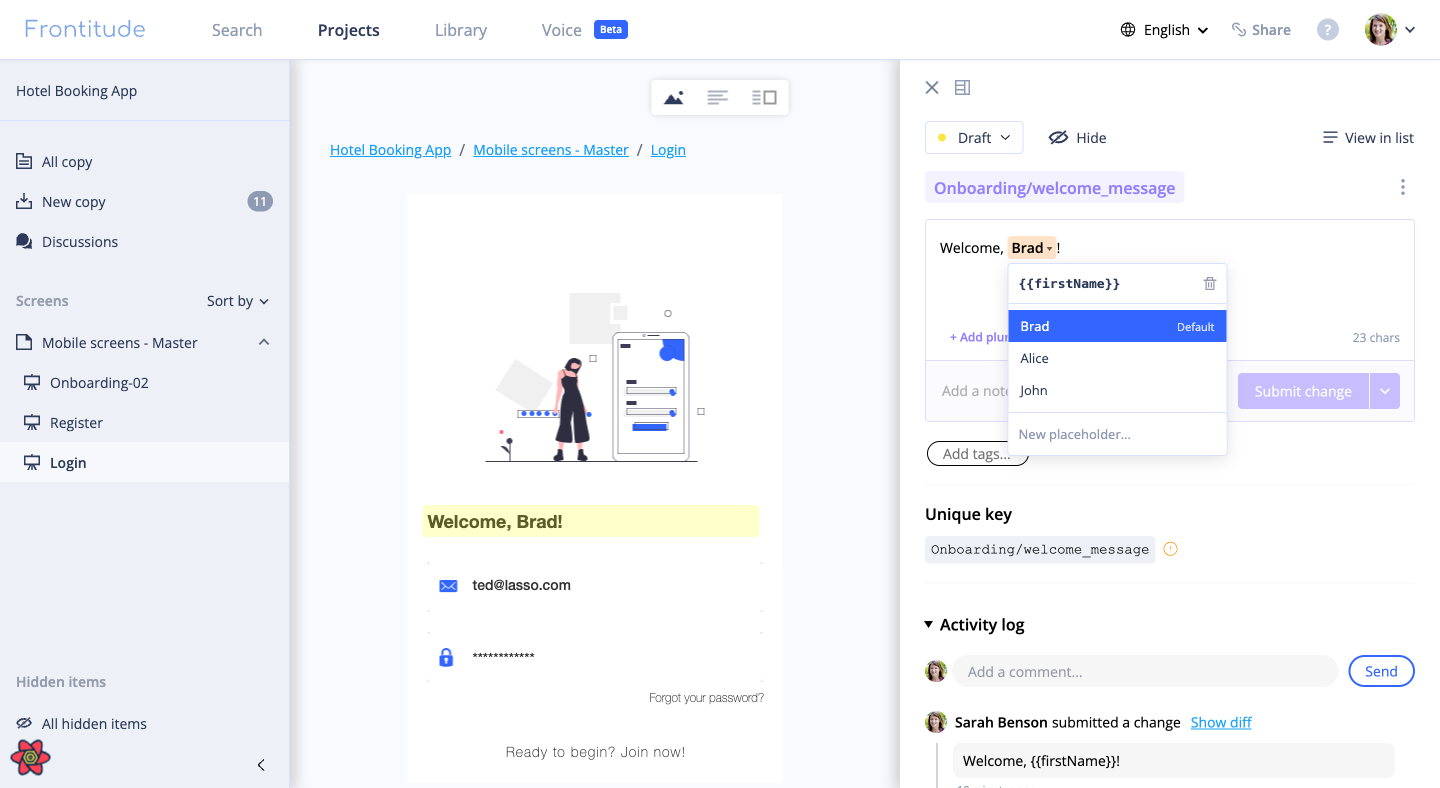
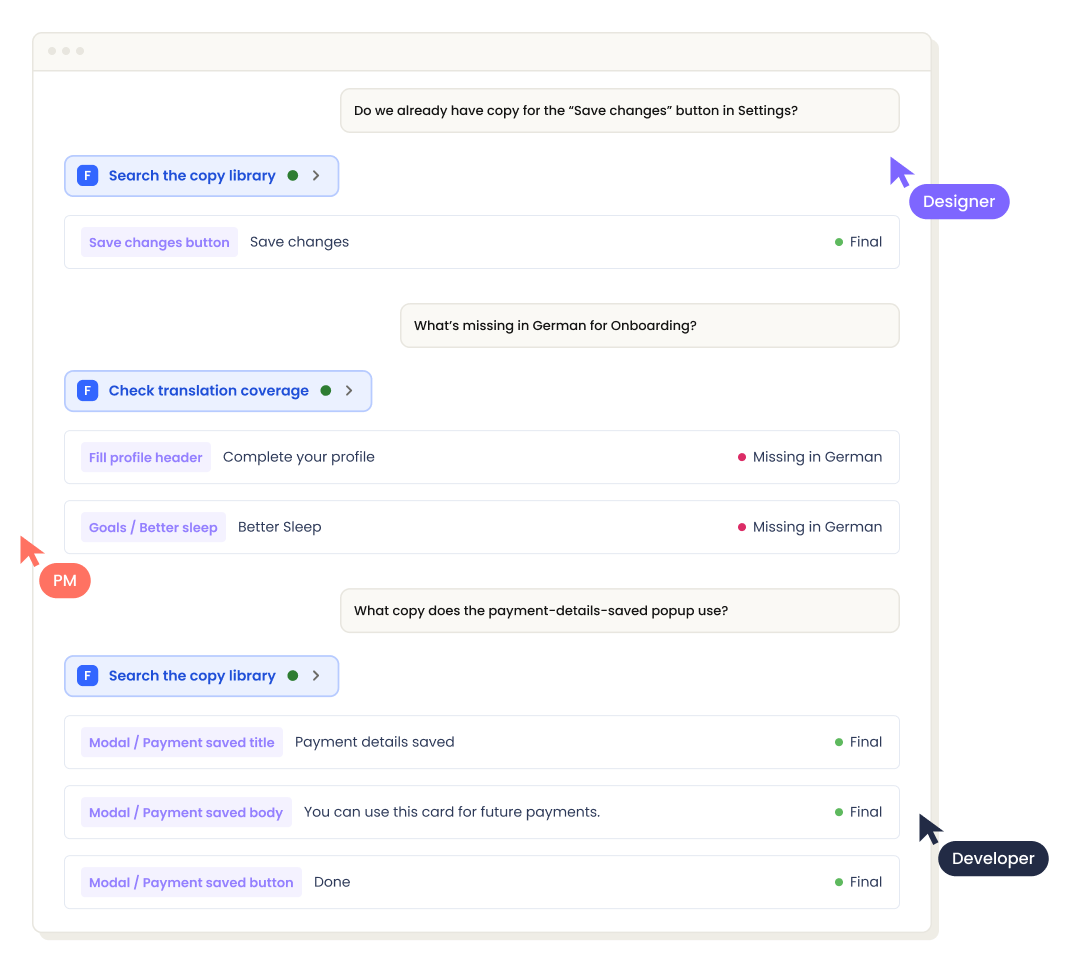
- More than 30 tools, available the moment you connect: search your copy library by meaning, read character limits, variables, plurals, status, translation coverage and revision history, and see everywhere a component is used.
- Write access, not just read: create components and categories, update values in any language, attach and detach texts, set status, manage tags and variables, and leave comments — all from the agent.
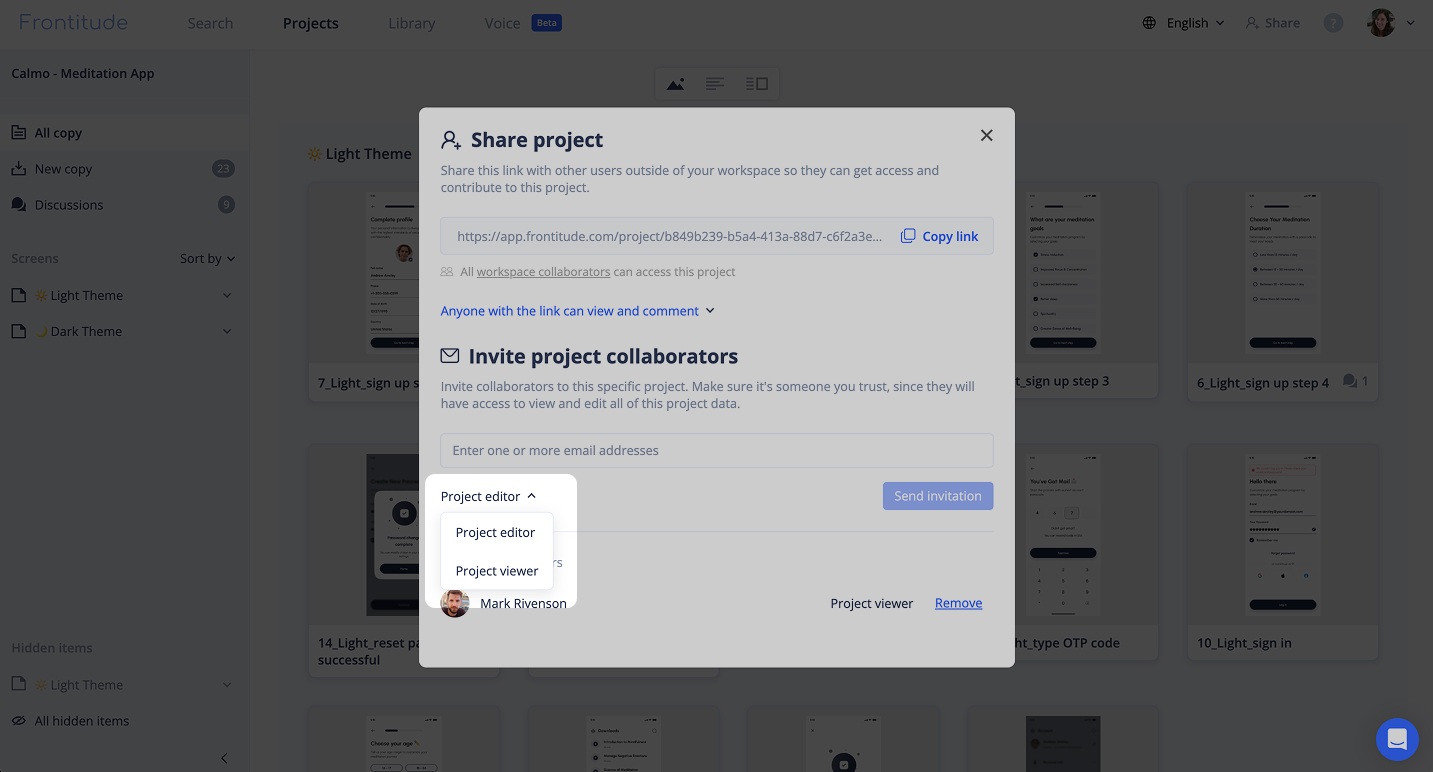
- Every connection tracked by person: a connection carries the access of whoever made it, and every change it makes is recorded under their name.
💪 Use it to
- Check whether a string already exists — and what status it's in
- Ask what isn't Final yet, before you ship
- Find what's missing in translation, and what won't fit
- Put a flow up for review without exporting anything
- And many more!
This feature is now available on all Frontitude workspaces, at no additional cost.
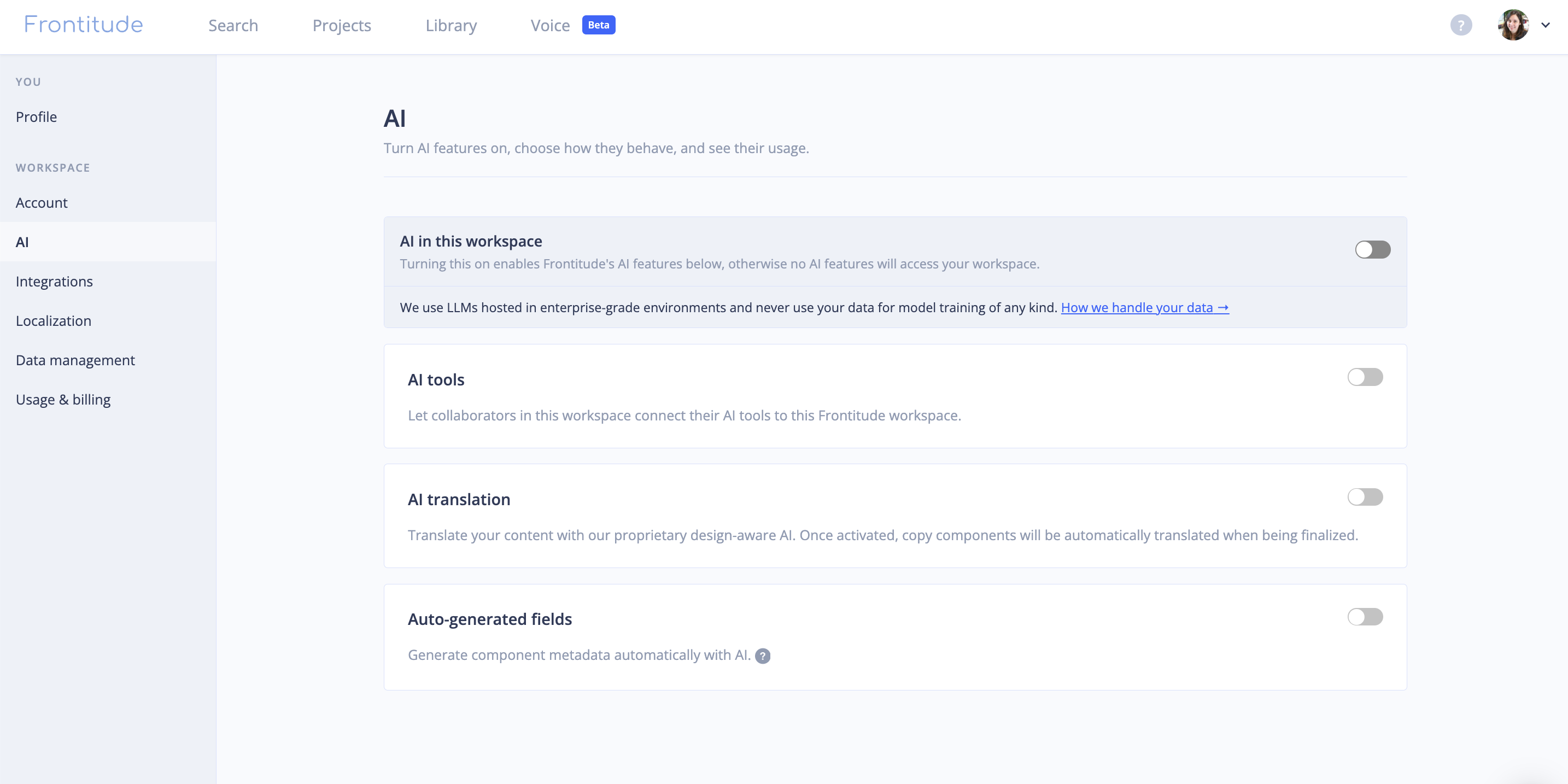
Set up your MCP integration from your workspace's AI settings page, or see the docs to get more details.