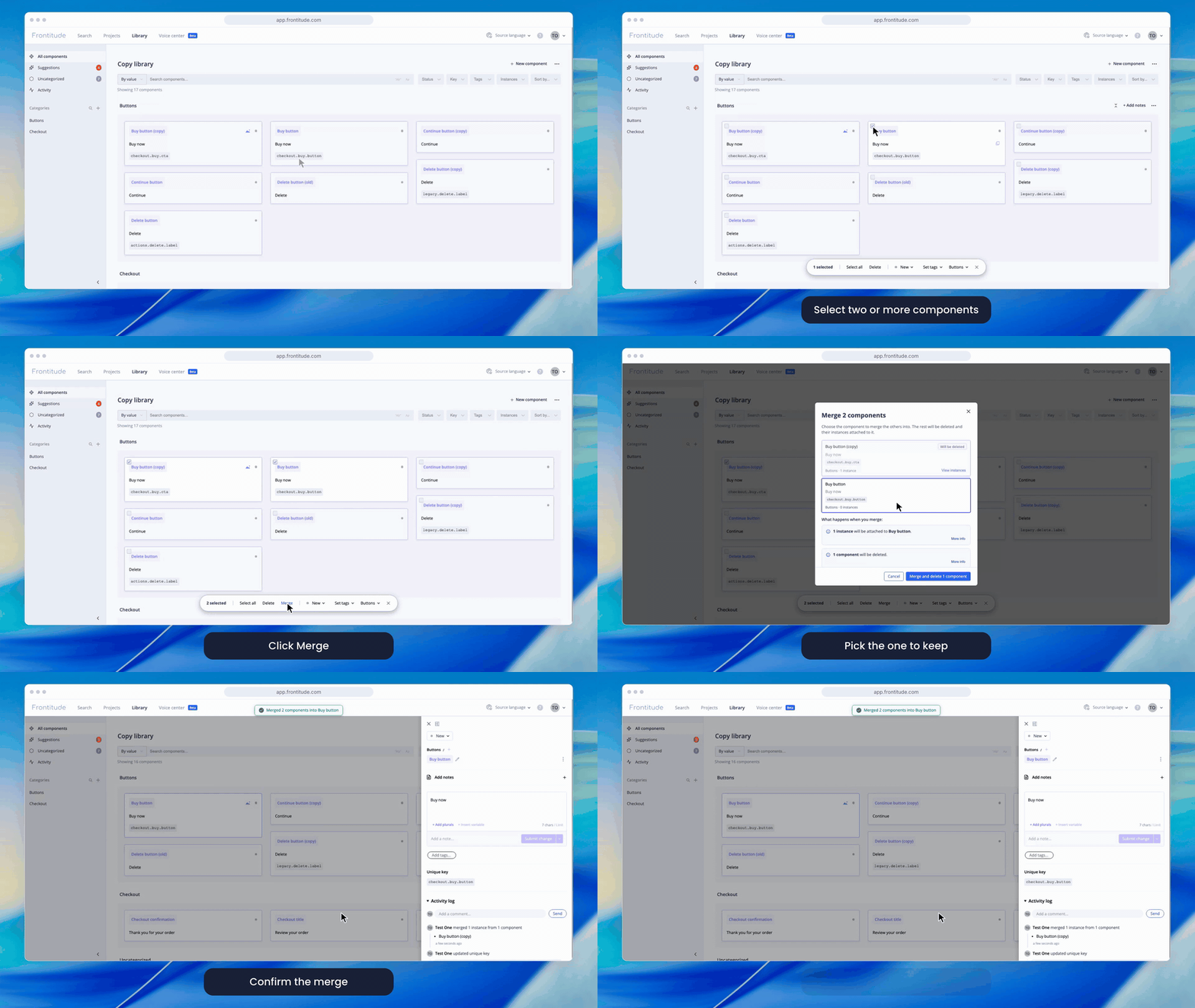
Duplicate components can pile up, especially when components are created automatically. Now Frontitude finds the duplicates for you, and you can merge them in a few clicks.
🔀 Merge components
- Merge up to 10 components at once: Select two or more components in the library and click Merge. Then pick the one to keep. Its text, translations, key and details stay exactly as they are.
- Nothing is left behind: Every instance of the other components moves to the one you keep, and so do their comment threads. Then the other components are deleted.
- See the impact before you confirm: You can view each component's instances on their designs. You also see which instances will change text, and which unique keys developers will lose.
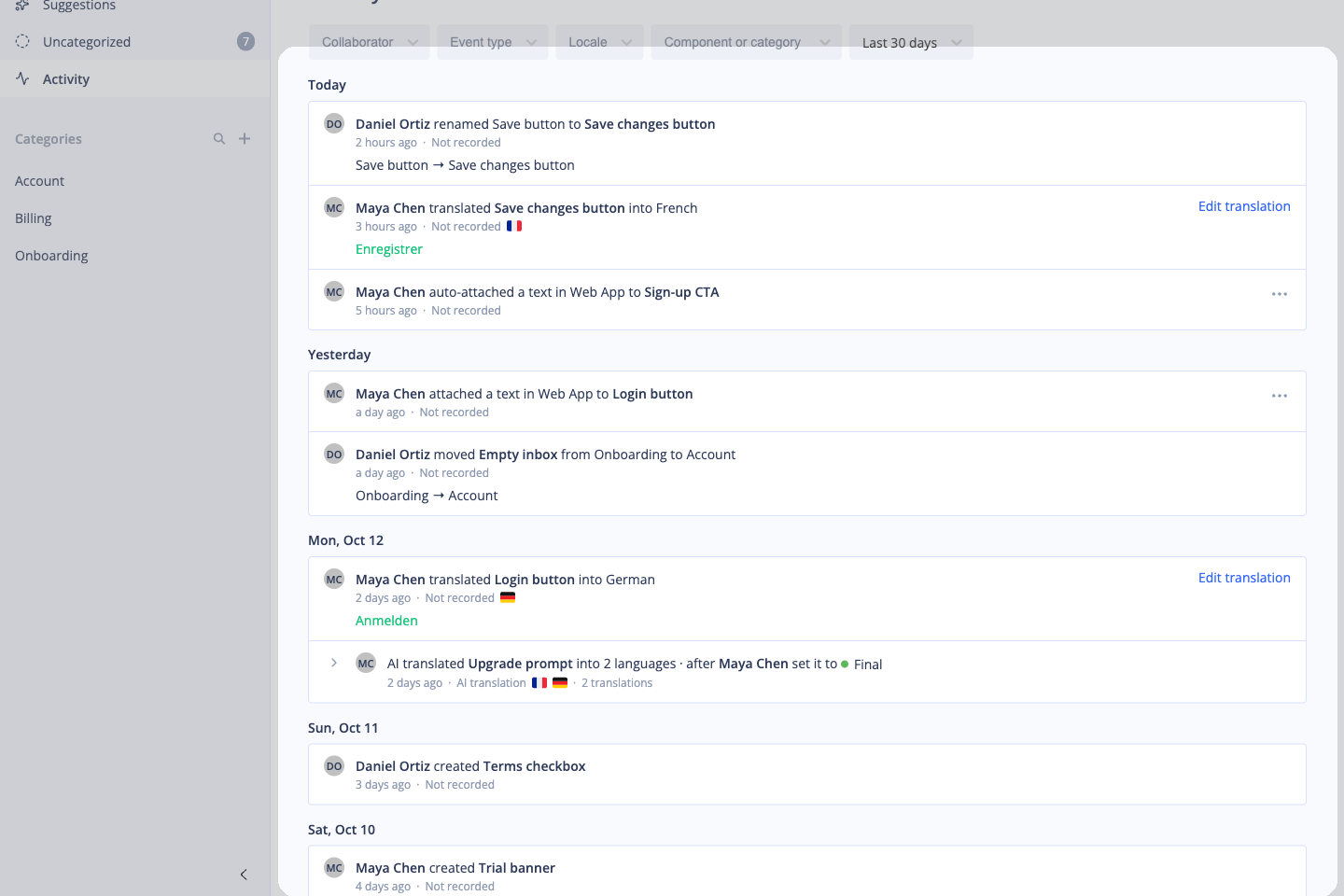
- A record of every merge: The merge is saved in the kept component's history.
🔎 Find duplicates automatically
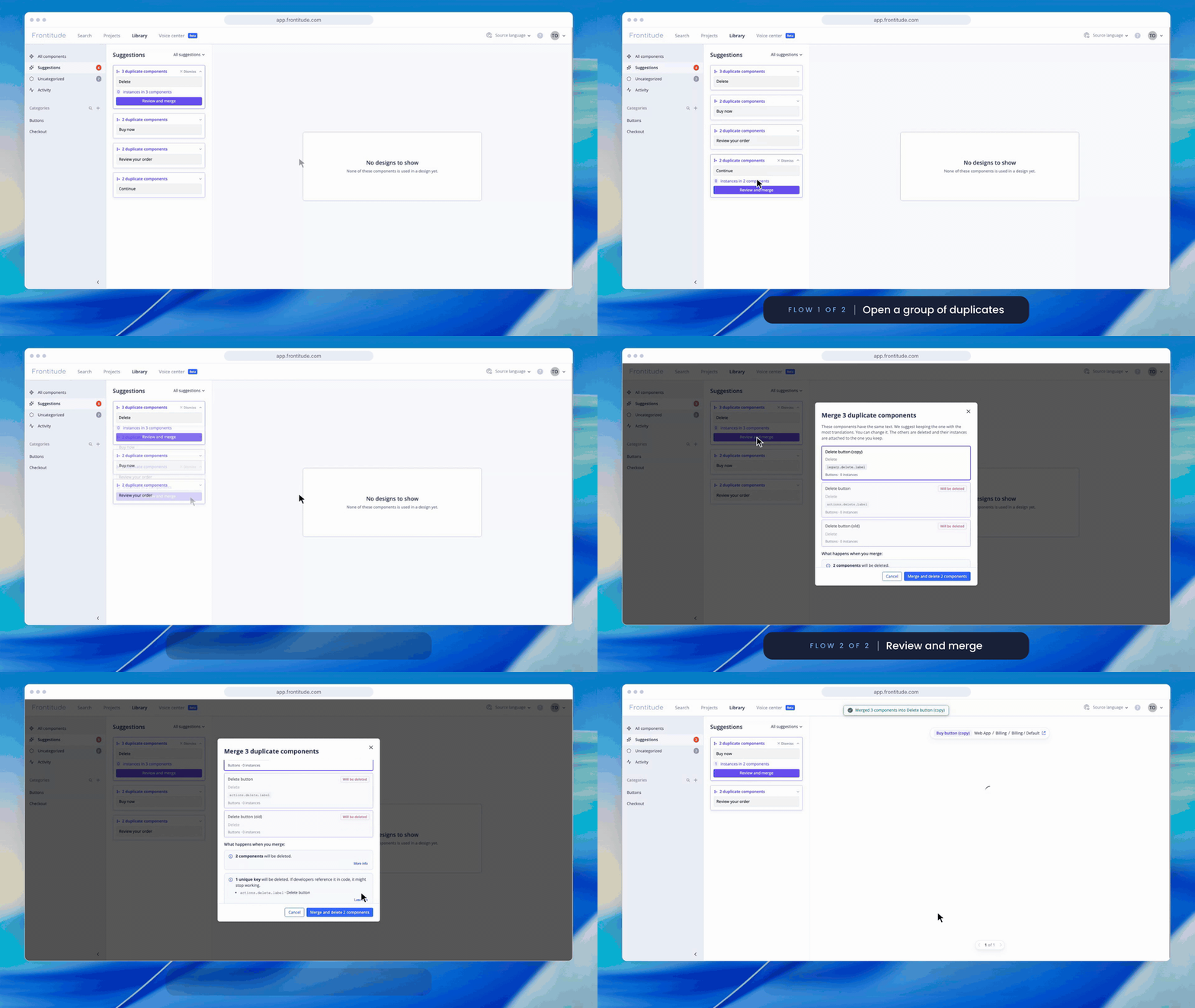
- Duplicates in the Suggestions tab: The library's Suggestions tab now lists groups of components with exactly the same text and variables, with the biggest groups first.
- Review and merge in one click: Each group opens the merge dialog, and the best component is already picked.
💪 Use it to:
- Clean up a library that grew with auto-created components
- Keep translations in one place, not spread across copies
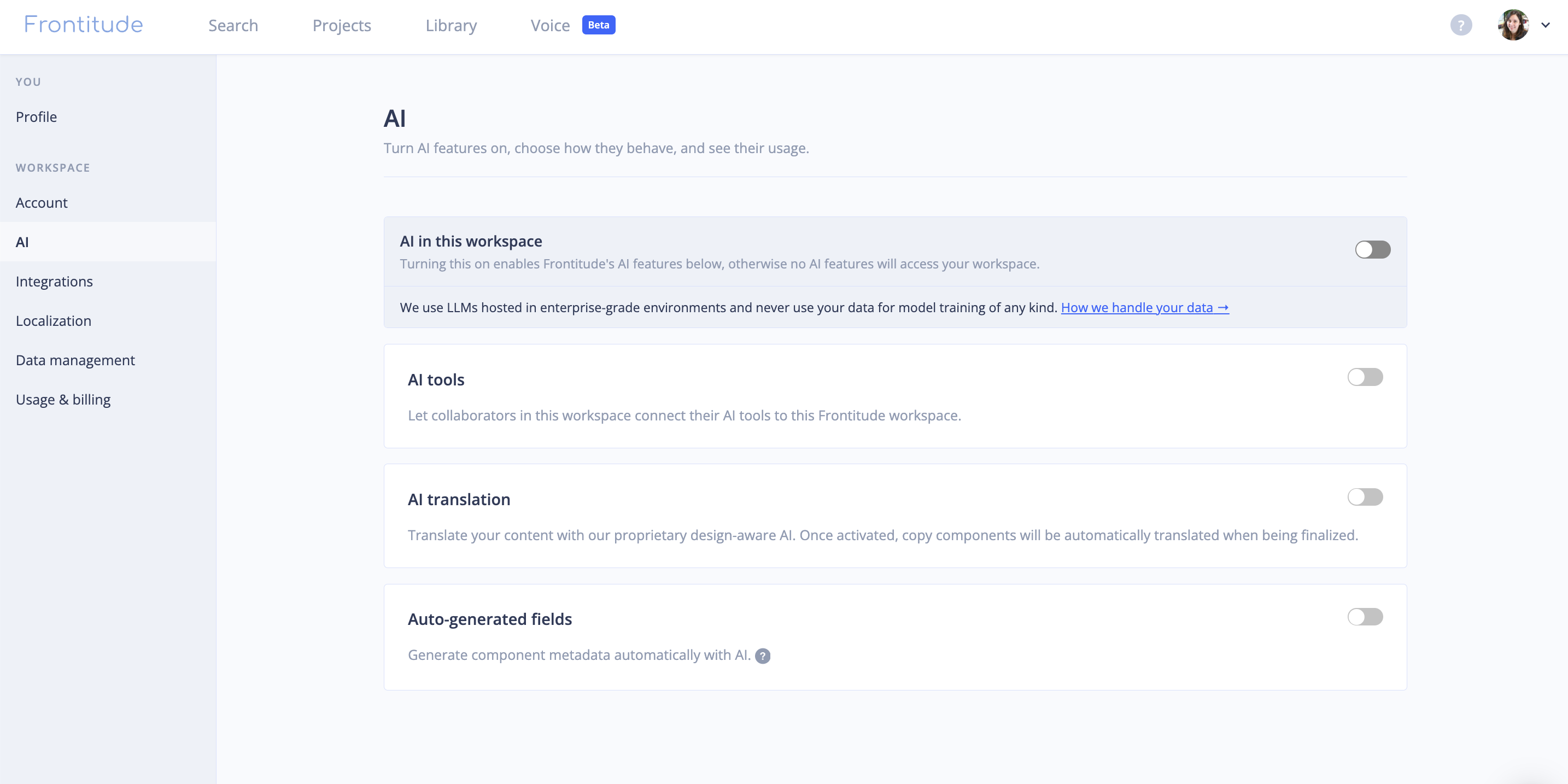
🤖 Also, Frontitude is now an official Claude connector!
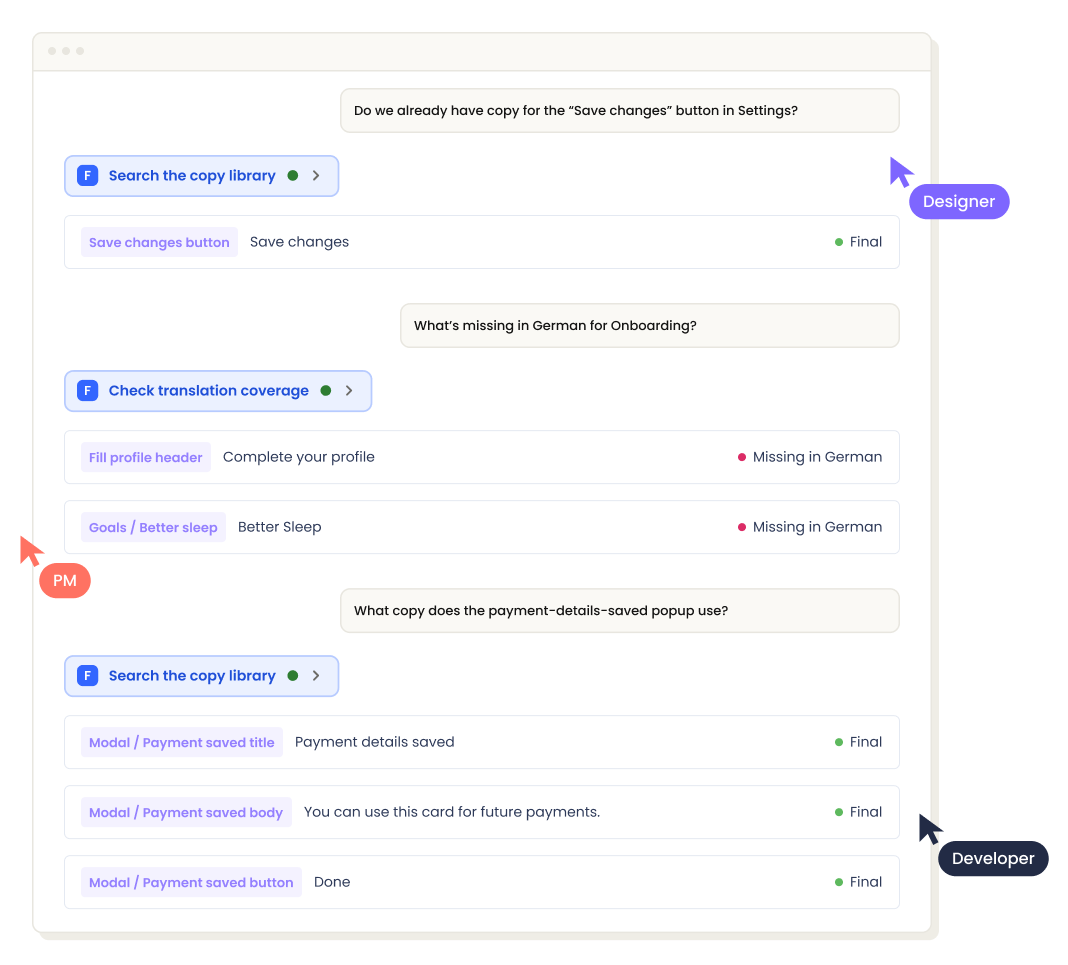
- Find it in Claude's directory: Frontitude's MCP server is now listed in Claude's connector directory.
- Work with your library from Claude: Ask Claude to find, write and update texts and components in Frontitude. Claude can reach only what you can reach in Frontitude, and changes are saved under your name.
🐞 Bug fix
- Plural components are listed once: Expanding a category in the library sometimes showed a component once for each plural form. Each component now shows once.