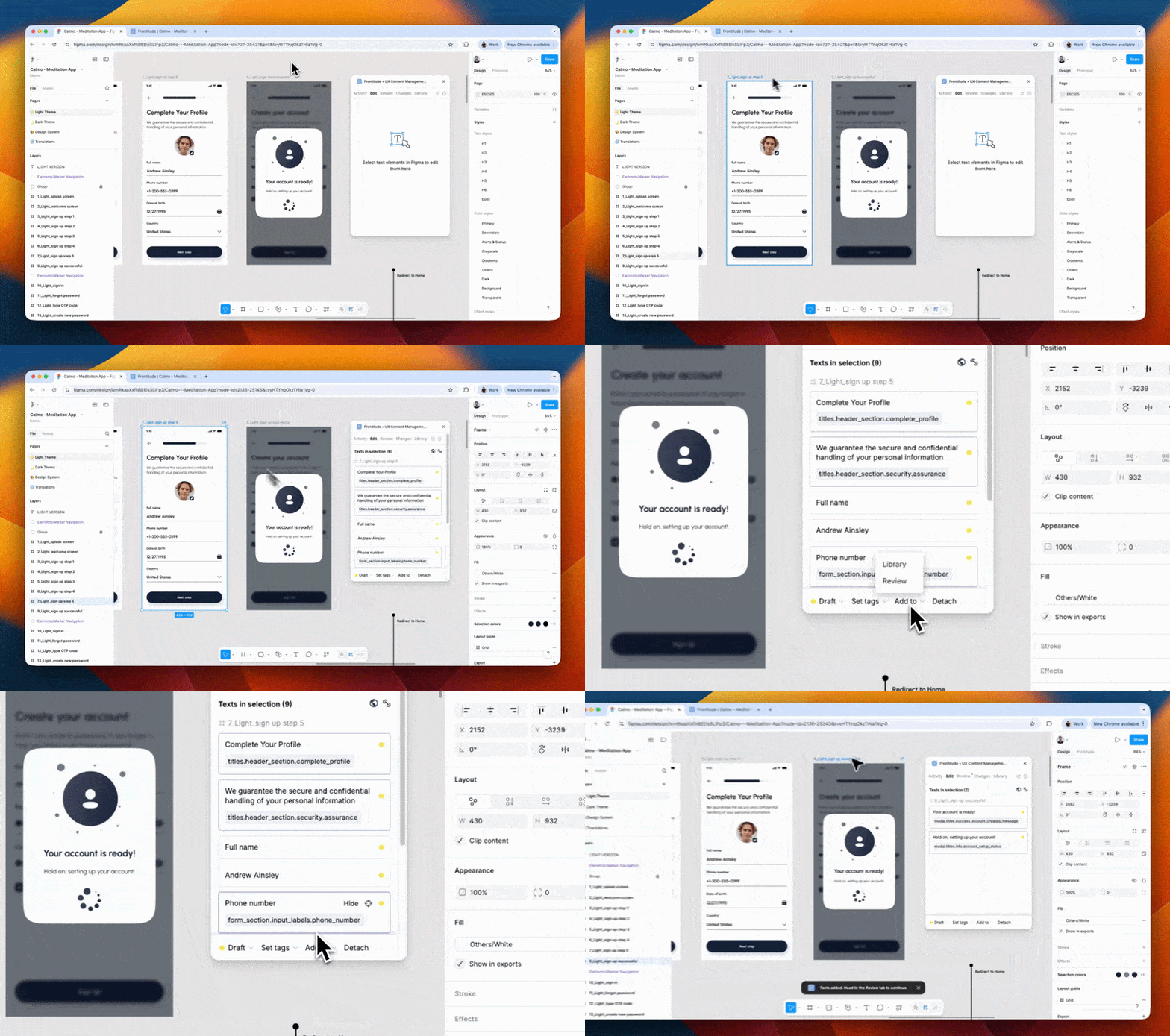
This update is about control and clarity: a redesigned settings page, a single switch that governs every AI feature in your workspace, a proper way to give people view-only access, and a set of import and performance fixes.
🧭 Settings, redesigned
Settings had grown into a row of tabs where personal preferences and workspace-wide configuration sat side by side, with no way to tell which was which.
- A left-hand nav: Every page is one click away instead of hidden behind a tab strip.
- Your settings, split from your workspace's: The nav is grouped into You and Workspace, so it's clear what affects everyone.
🤖 One switch for AI
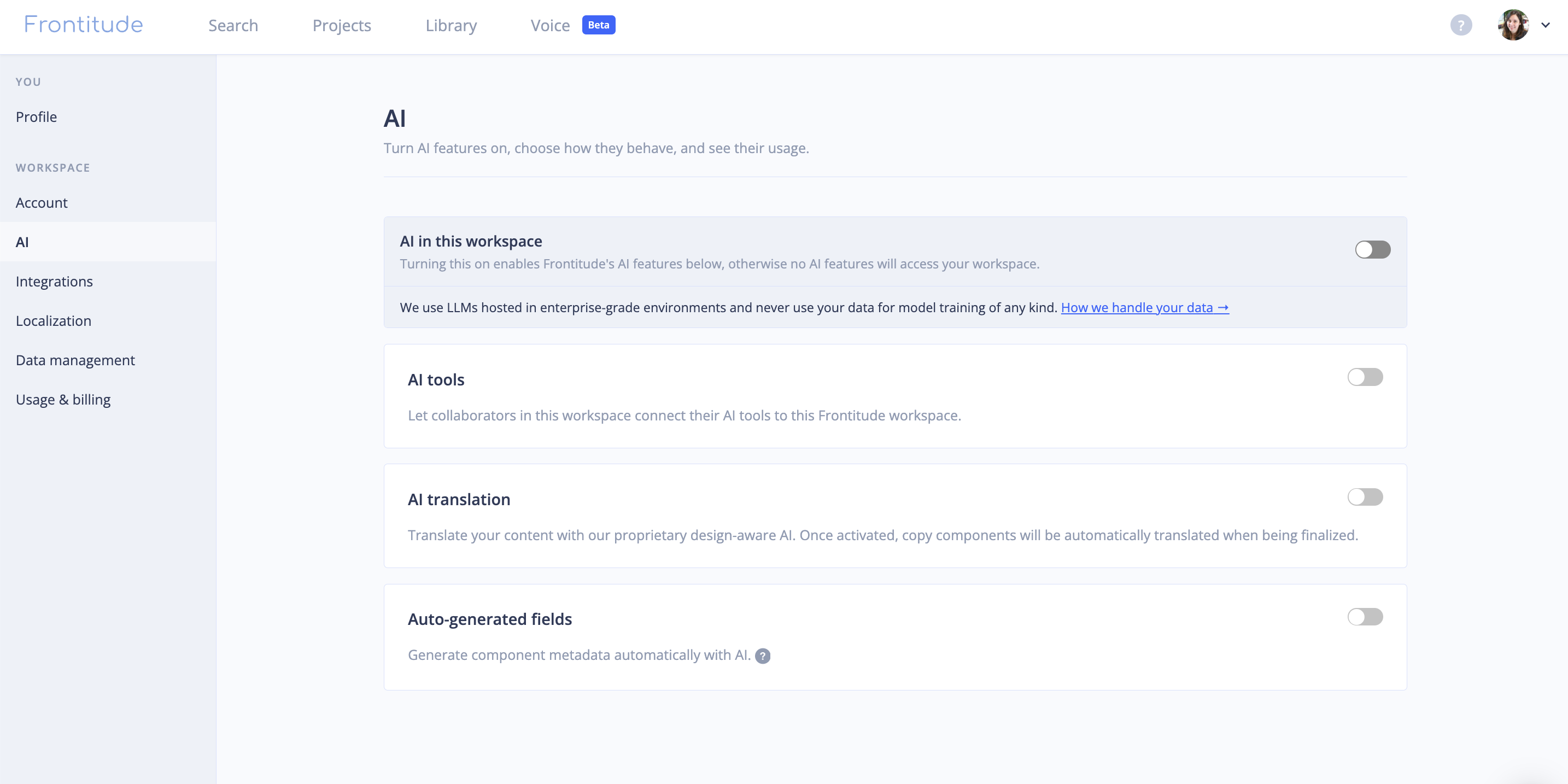
AI features were scattered across settings, so there was no single place to see what was on or to turn everything off. AI now has its own page, with a master switch above it.
- AI in this workspace: One switch that governs every AI feature. Turn it off and AI translation stops drafting and metadata is no longer generated.
- Each feature keeps its own setting: Turning AI back on restores exactly what was on before - you don't have to reconfigure anything.
👥 Invite project viewers by email
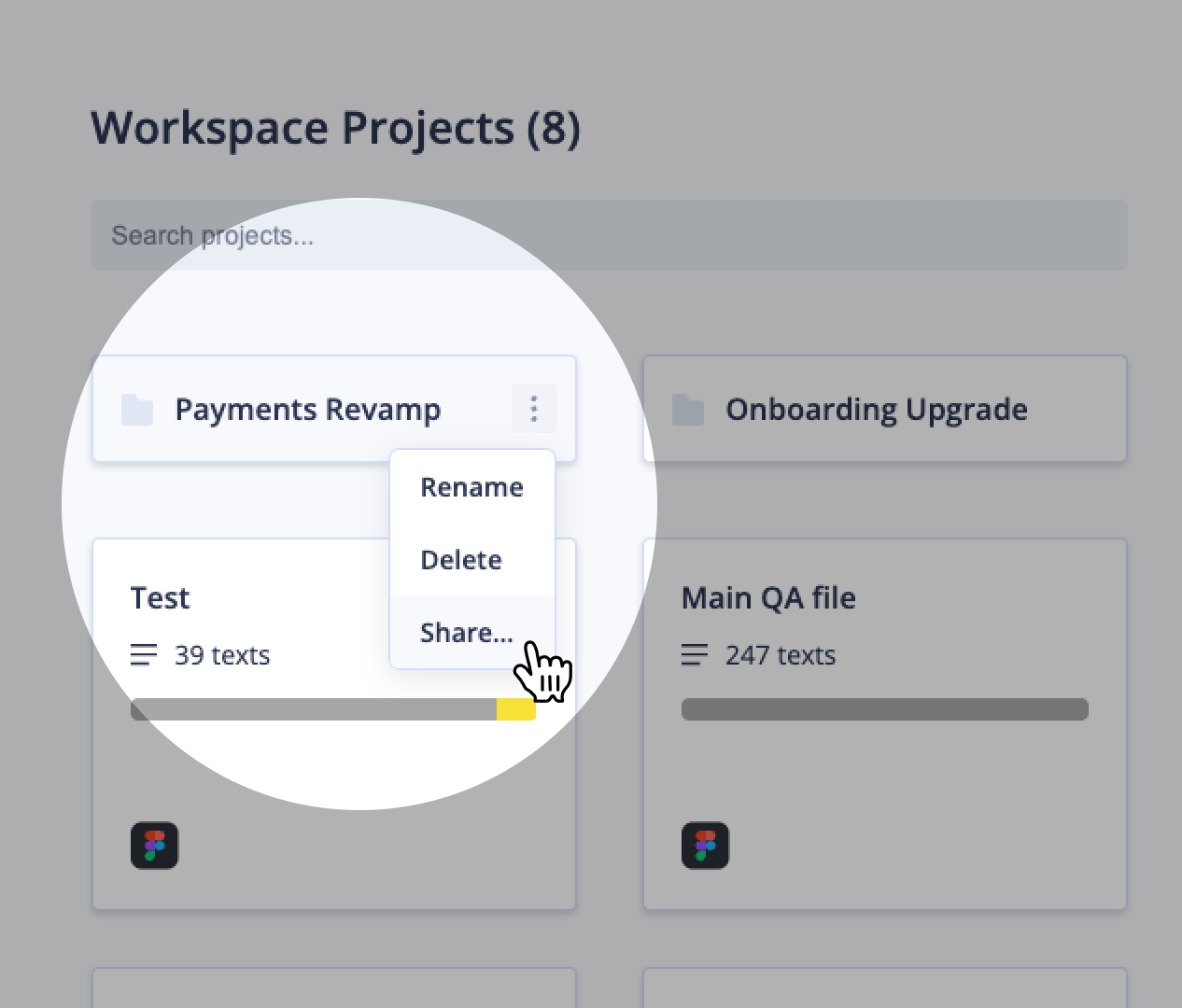
If you share projects with stakeholders, clients, or reviewers who only need to read them, view-only access has meant sending a shareable link - and anyone who receives that link can open the project.
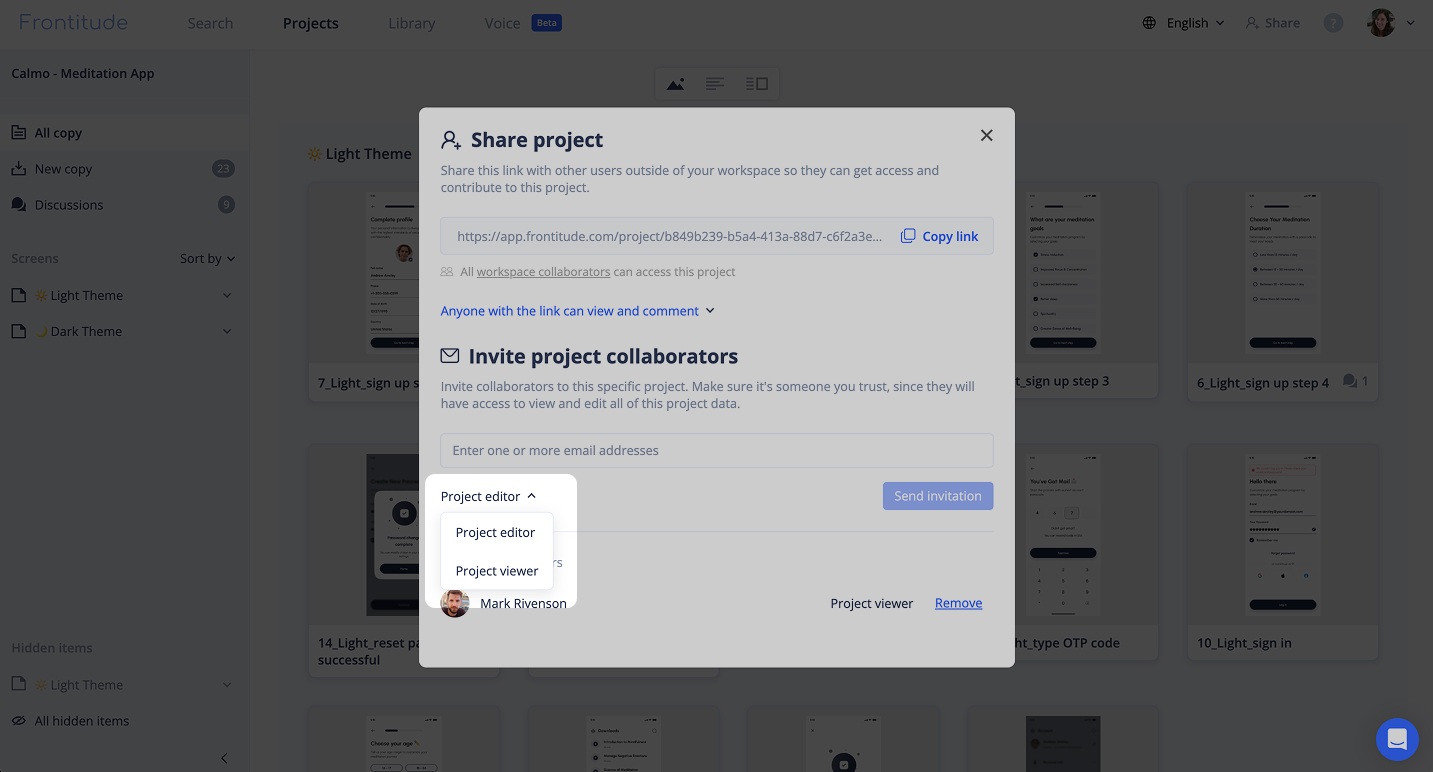
You can now invite project viewers by email, the same way you invite project editors.
- Invited viewers appear in settings: Accepted invitations show up on the Account page alongside everyone else.
- Know before someone hits the wall: Workspace admins on paid plans now get an email when the last viewer seat is taken, rather than finding out when a collaborator can't be invited.
📥 Import a CSV without a unique key
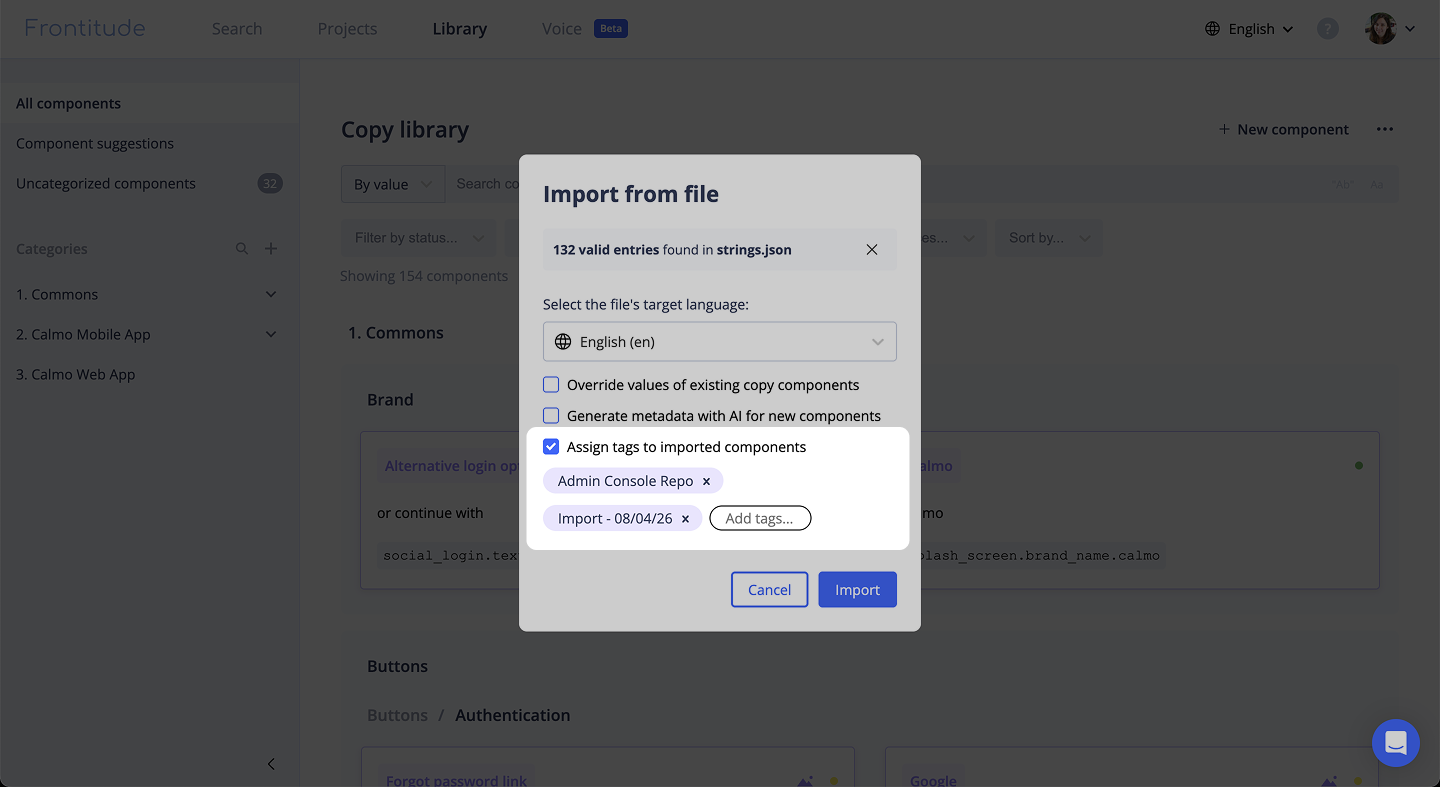
A unique key has always been optional when you create a copy component by hand, but the file import required one on every row - so a file without them imported nothing and reported itself as empty.
Rows without a unique key now import fine, and the Unique key column doesn't have to be in the file at all. Keys you do provide still have to be unique.
⚡ Performance and stability
- Faster filtering in large projects: The project view's filters are now answered by the server and not in the browser.
- Search handles long queries: Pasting a long string - a Figma layer path in front of a sentence, for example - used to fail the search outright. It now returns a clear message naming the limit.
🐞 Bug fix
- Plural columns on CSV round trips: Exporting a pluralized component and importing the file back dropped its plural forms. The plural columns now land on the component, so an export survives the round trip.