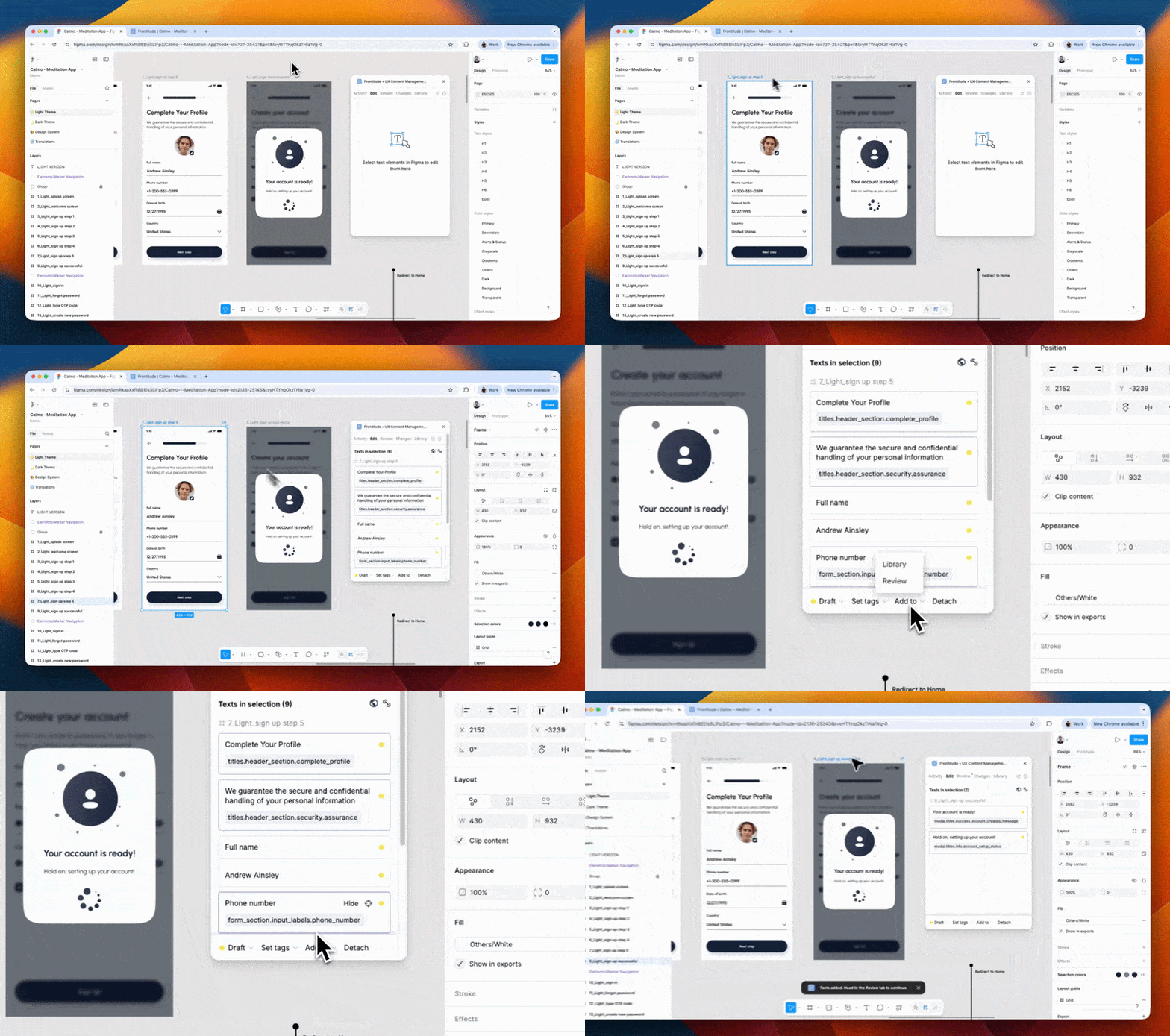
Large libraries are hard to keep track of, and attaching text to the right component shouldn't be time-consuming. This update makes both easier, and adds a few more improvements.
📚 Library activity feed
Have a clear overview of changes in your library, with who did what and when, so you can follow up on edits without digging through each component. The feed is available to enterprise customers on the Organization plan.
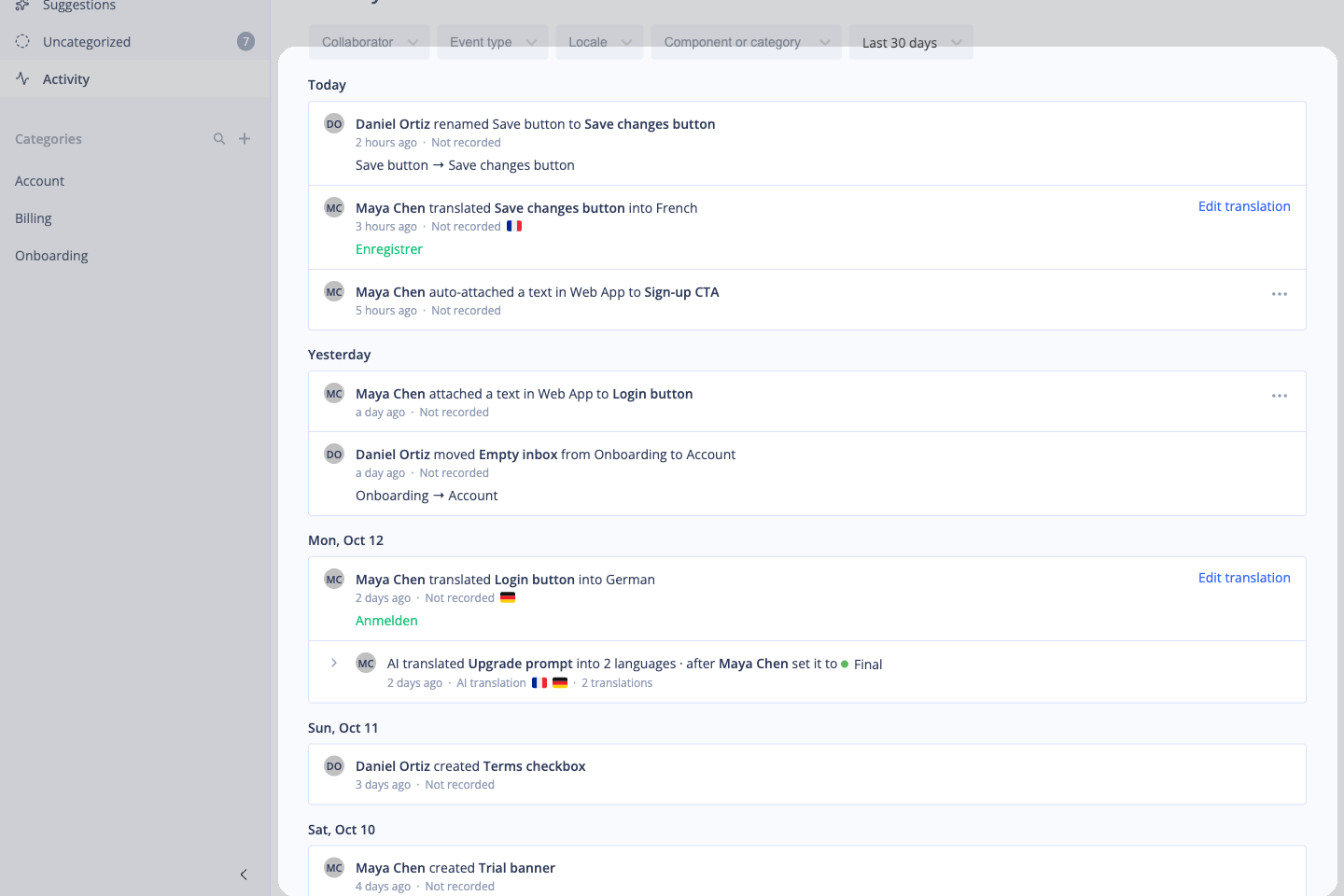
Use it to:
- See who changed a component and when
- Follow up on edits made by your team
- Spot unexpected changes before they ship
🔗 Auto-attach improvements
- Smarter auto-attach: Auto-attach now looks at translation status when it chooses between matching components, so text is less likely to land on the wrong component.
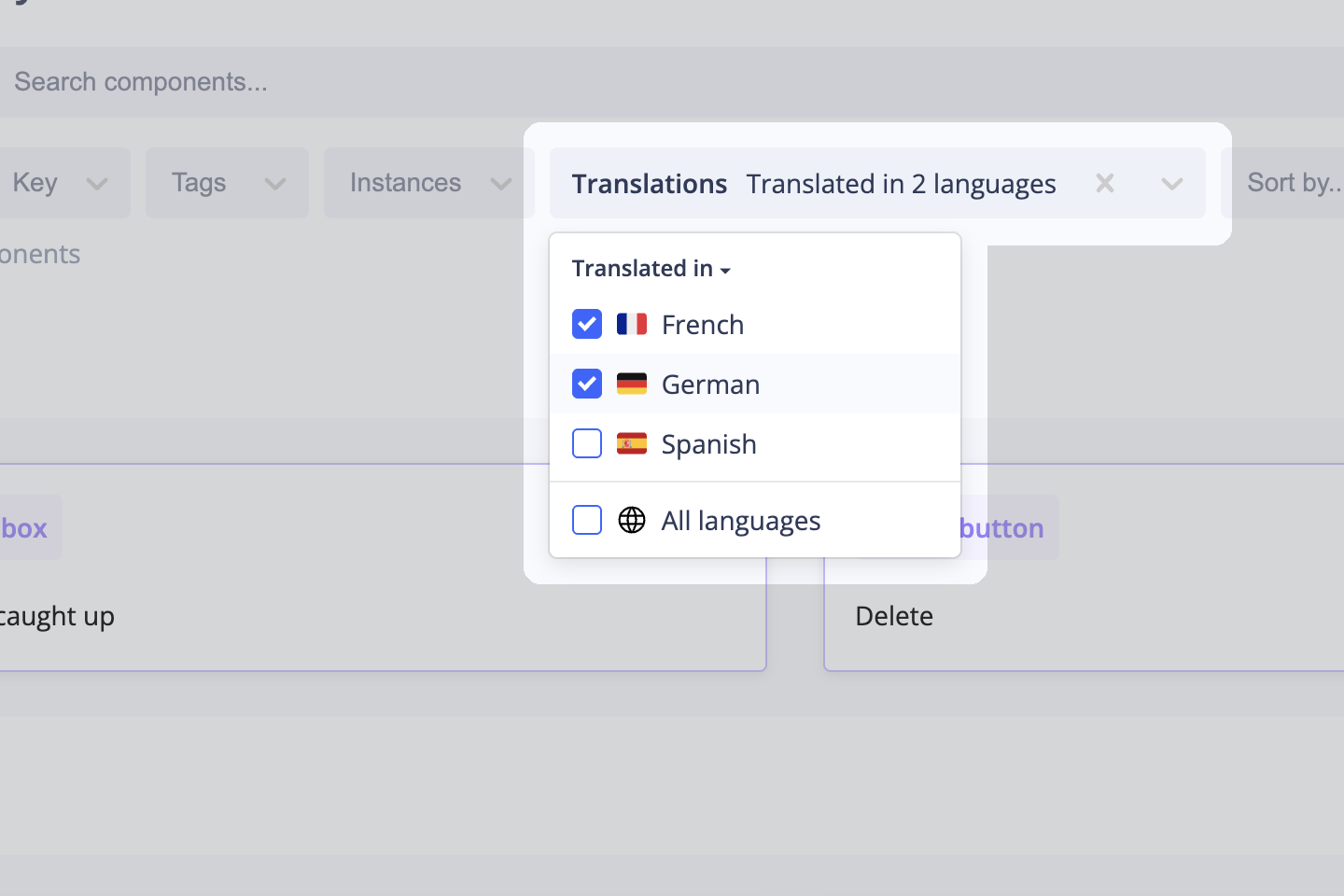
- Flags in the attach box: Components in the attach box are labeled with flags showing the languages they're translated into, so you can find the right one faster.
- Review auto-attach matches by email: If auto-attach matches text to more than one component, the person who started it gets an email, so they can review the matches and change components further if needed. You can opt out of these emails at any time.
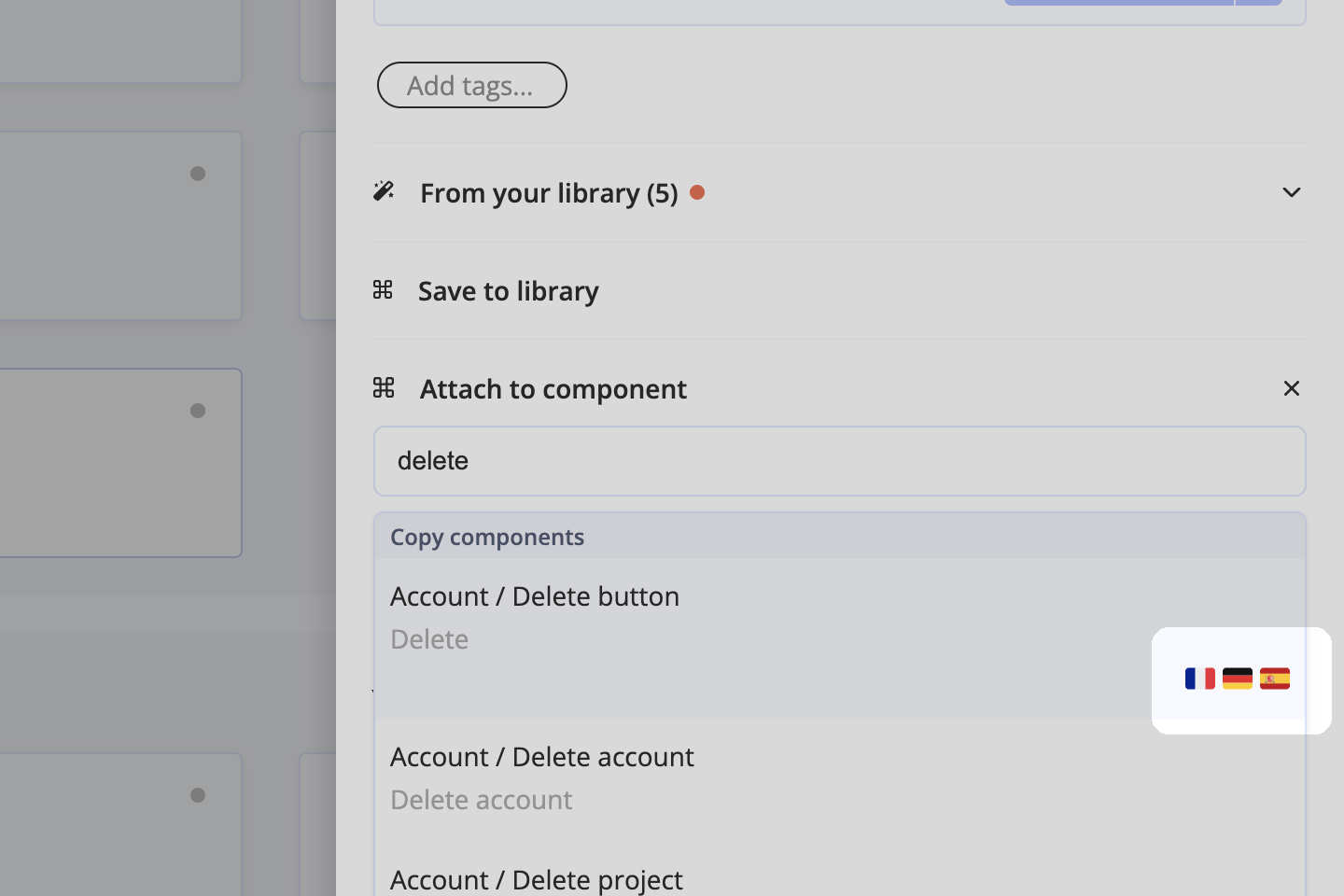
Use these to:
- Find the correct component to attach faster
- Catch wrong matches as soon as they happen
🛠️ Improvements and fixes
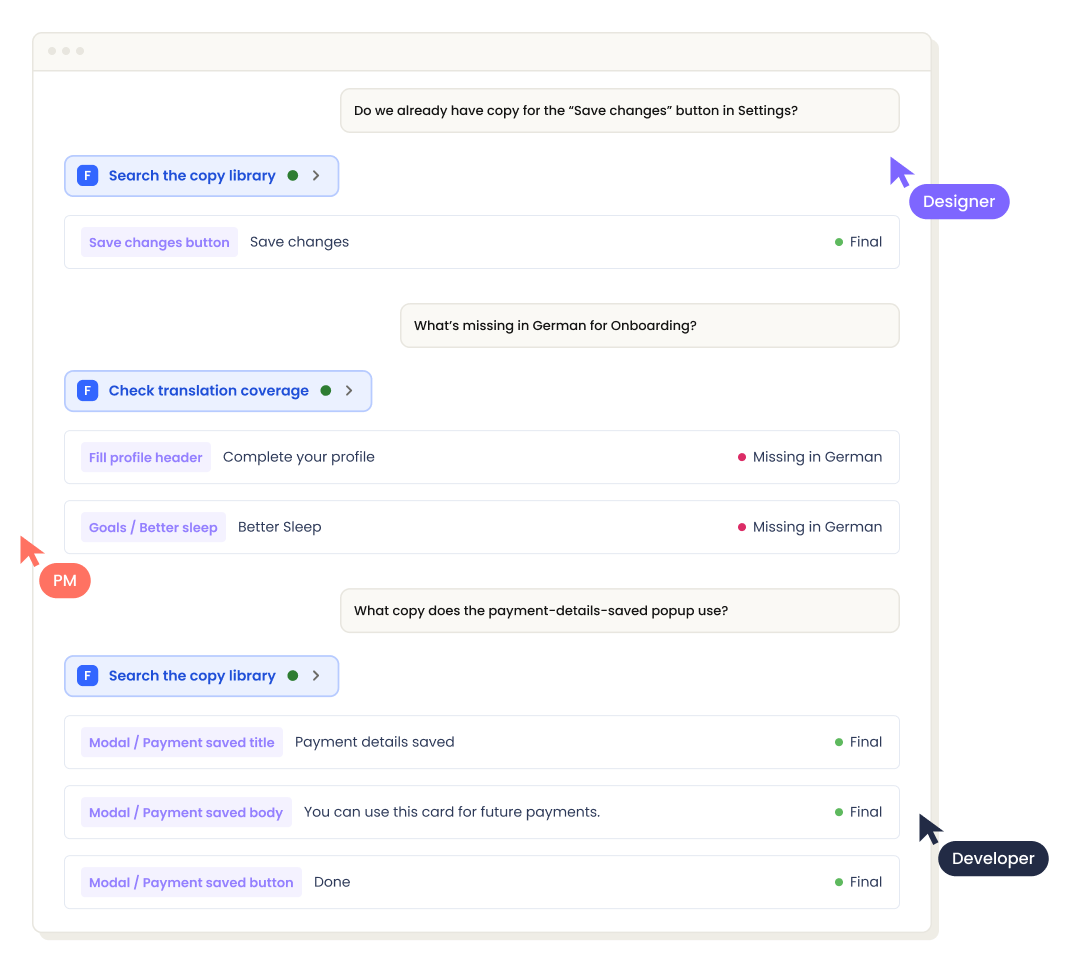
- Translation status in library search: Filter the library by translation status to find components that are missing a language or are ready to ship.
- Security fixes: We also made several security and stability fixes across the platform.